GENERATE A QUEST
WITH AI
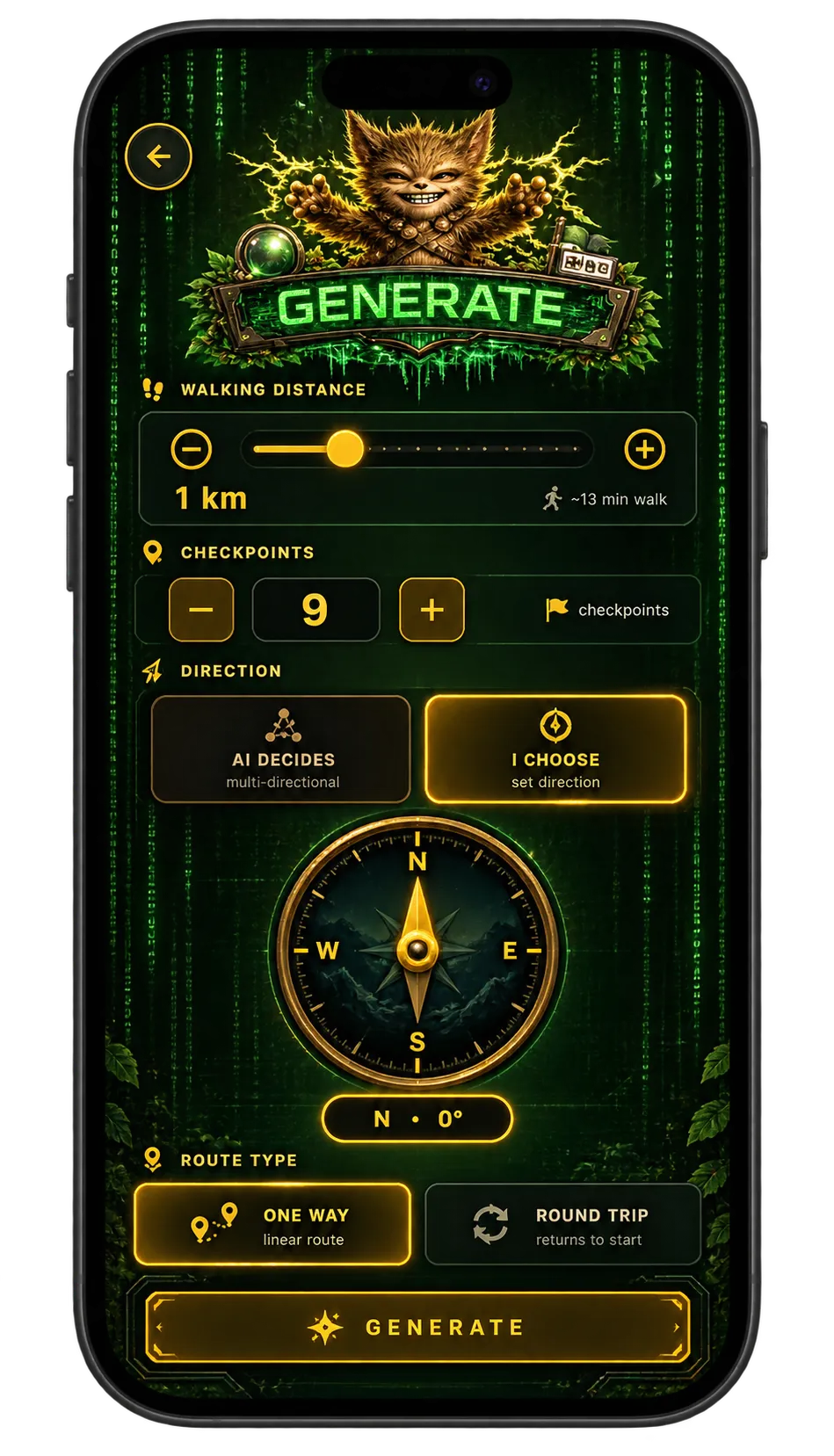
The fastest way to a finished quest is to let Waybound plan it. The default setup is enough on its own — you can tap Generate and walk. Everything else on these screens is optional control over what comes out.
The defaults are already enough
You can generate a quest without touching anything on this screen. If you do want control, set the direction — one way, or a round trip back to where you started — along with how checkpoints are placed and how many of them there should be.
Generation also reads your existing settings: the language it writes in, your quest-type preference, and your physical and cognitive difficulty profiles. A quest generated for one profile will not look like the same quest generated for another.
If results consistently feel off, adjust the settings rather than regenerating repeatedly.
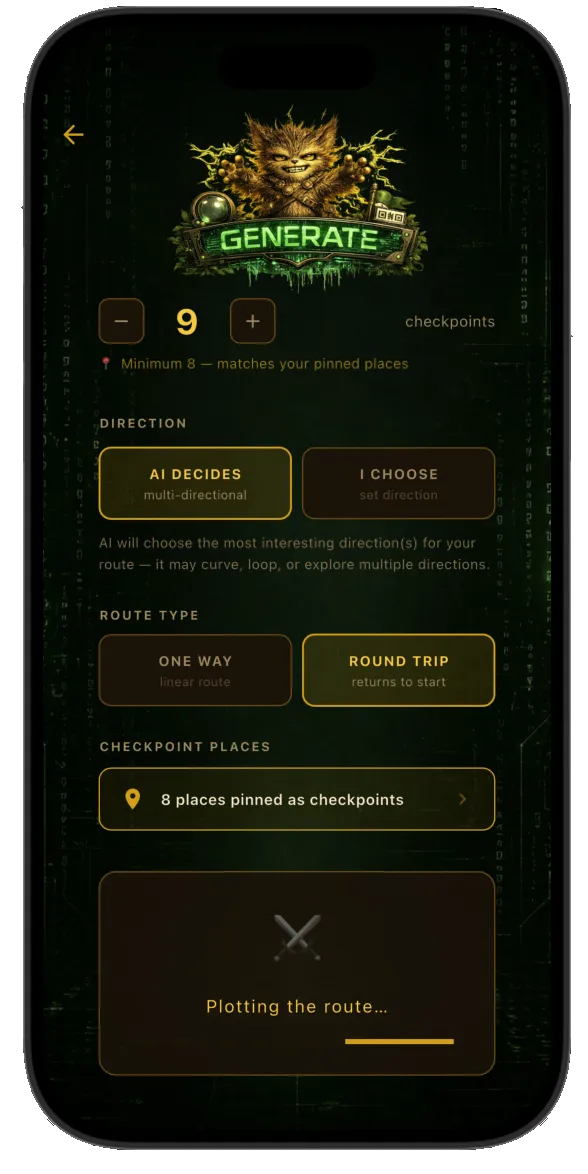
Name the places, or let it choose
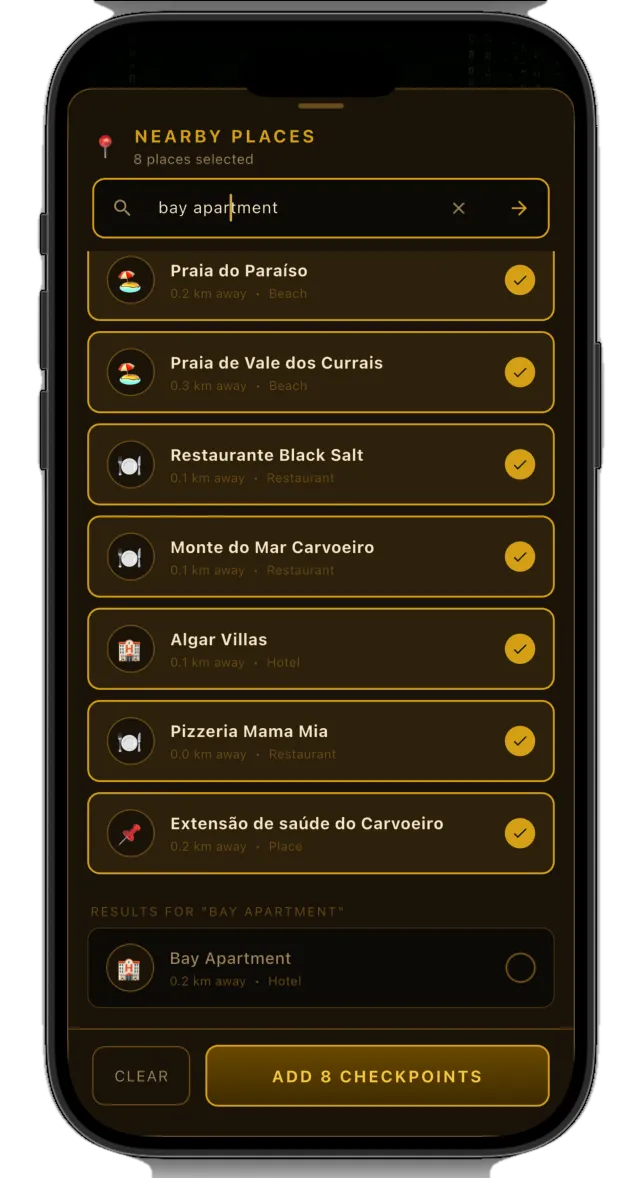
The search box lists places near you that can anchor the route. Pick the ones you want the quest to pass through and the generator builds around them.
Leave it alone and the AI decides for you, which is usually the better choice in a neighbourhood you do not know.
Tap Generate Quest
The button sits at the bottom of the screen. Waybound writes the quest, lays the route and fills the checkpoints, and hands you back something you can walk immediately.
A generated quest is fully editable afterwards — the same edit screen, the same freedom as a quest you drew yourself.